

We’re upgrading your documentation experience!
The new doc website is live at docs.openit.com. This website is now in maintenance-only mode (only critical issues will be addressed).
Explore the new website and send us your feedback!
#
Accessing the Web Interface
Open a web browser and go to http(s)://<app_launcher_server_hostname>:<port_number>.
- <app_launcher_server_hostname> - hostname of the machine where Application Launcher Server is installed
- <port_number> - port number used by the web service, which is 80 by default; this is specified upon Application Launcher Server installation
Provide the Active Directory or local user credentials. Click Sign In.
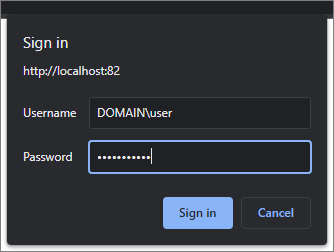 Log In Credentials
Successful login redirects to the Home page.
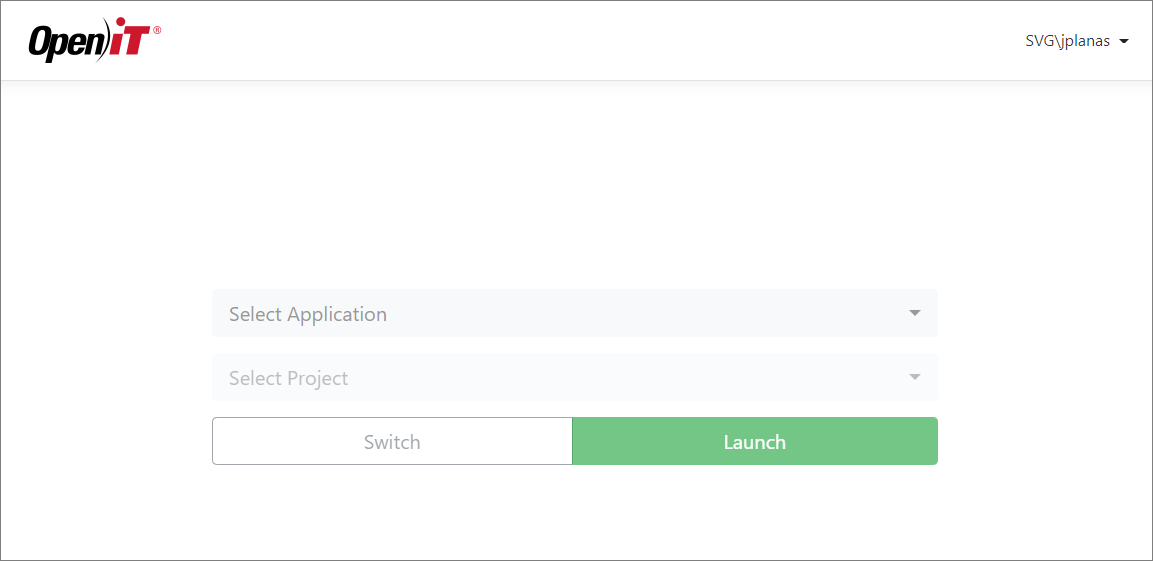 Home Page